
Your Partner for
electronic invoices.
Electronic invoices can be challenging.
with Mustangserver’s REST API
you can easily read, write,convert, visualize and validate electronically invoices.
-

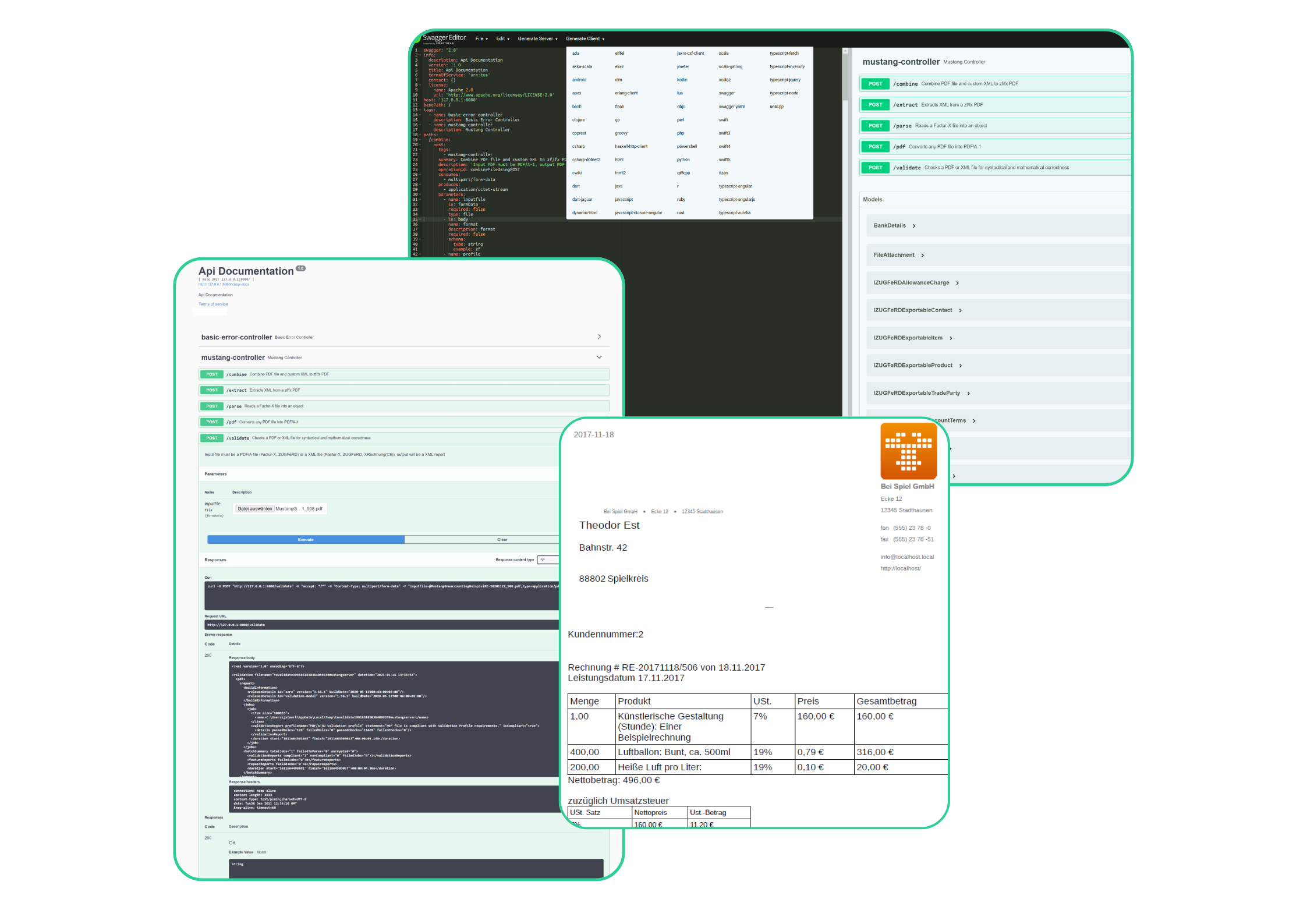
Use Mustangserver with Javascript
Small step by step guide how to write a Mustangserver client in Node.js/Javascript
-
Use Mustangserver with C#/.net
Small step by step guide to create a Mustangserver client in .net/c#
-

Use Mustangserver with PHP
1. Log in on https://api.usegroup.de/devportal/ , select the latest Mustangserver API and download the OpenAPI (=Swagger) definition of the API 2. Open the file in a text editor, select all and copy3. Download, run and access a Swagger Editor Docker image, i.e. by using to run locally via port 8080. Paste the copied Swagger file.…
Your e-invoice integration in six steps.
Sign up for a free 4 week trial
Use the sign up form and receive your activation email.
Prototype your requests using the interactive HTML client
It will show you how the requests look like and gives responses on all requests.
Generate yourself an API key
Or use the Oauth2 token flow.
Generate a client library for your programming language
For 36 languages using the OpenTech Api generator or the Swagger Editor Dockerfile.
Use the library in your software
Your software can now read, write, convert and validate e-invoices.
Final Step

Signup. Congrats!
Try it out
Got any questions?
Contact us.
If you have questions, you can reach us at any time by email or by using the contact form.

Bharti Bhardwaj
Distribution
bbhardwaj@usegroup.de

